mocknotif

iMessage Notification Maker

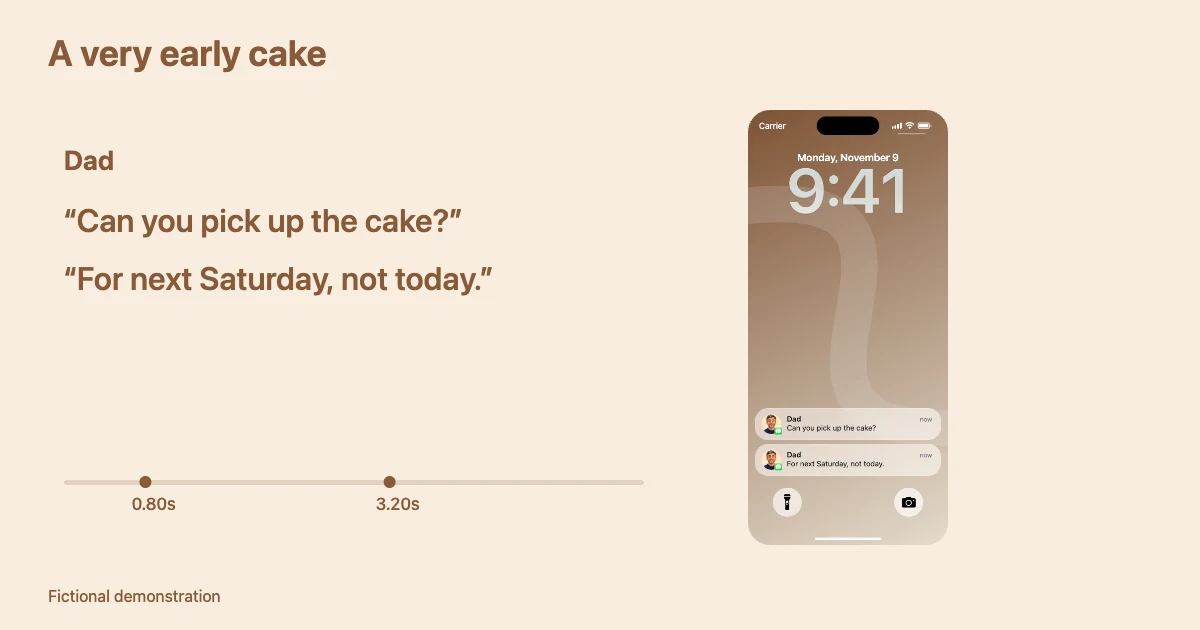
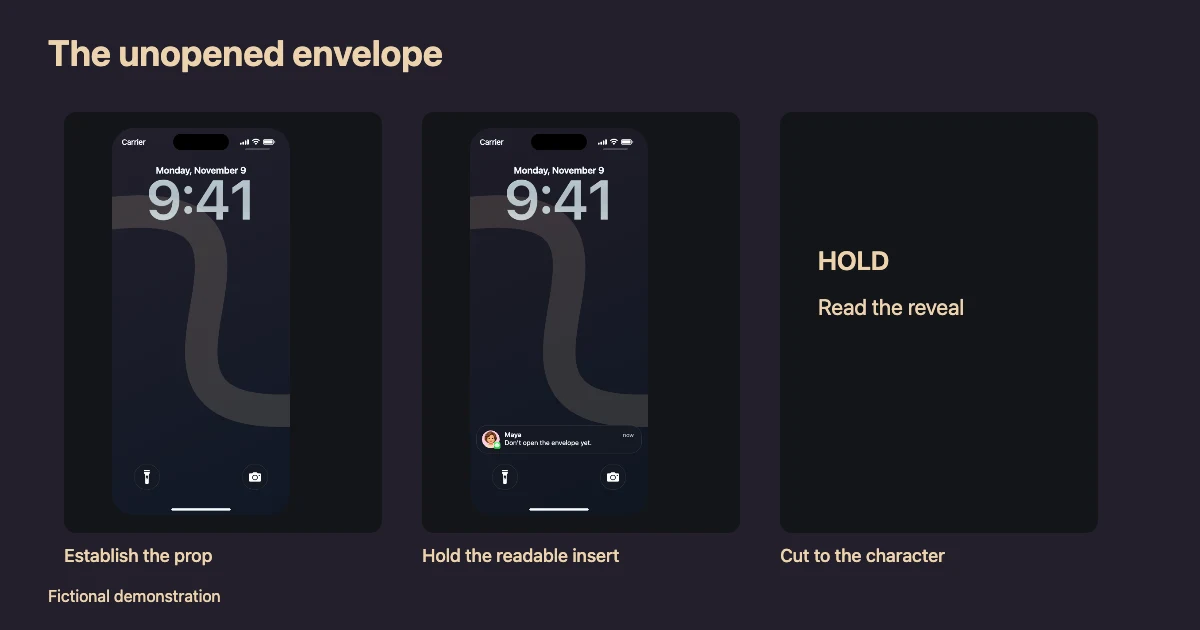
Turn incoming messages into a story. Customize names, contact photos, and timing, then bring your scene to life.

  • Adjustable Glass
  • Custom Timing
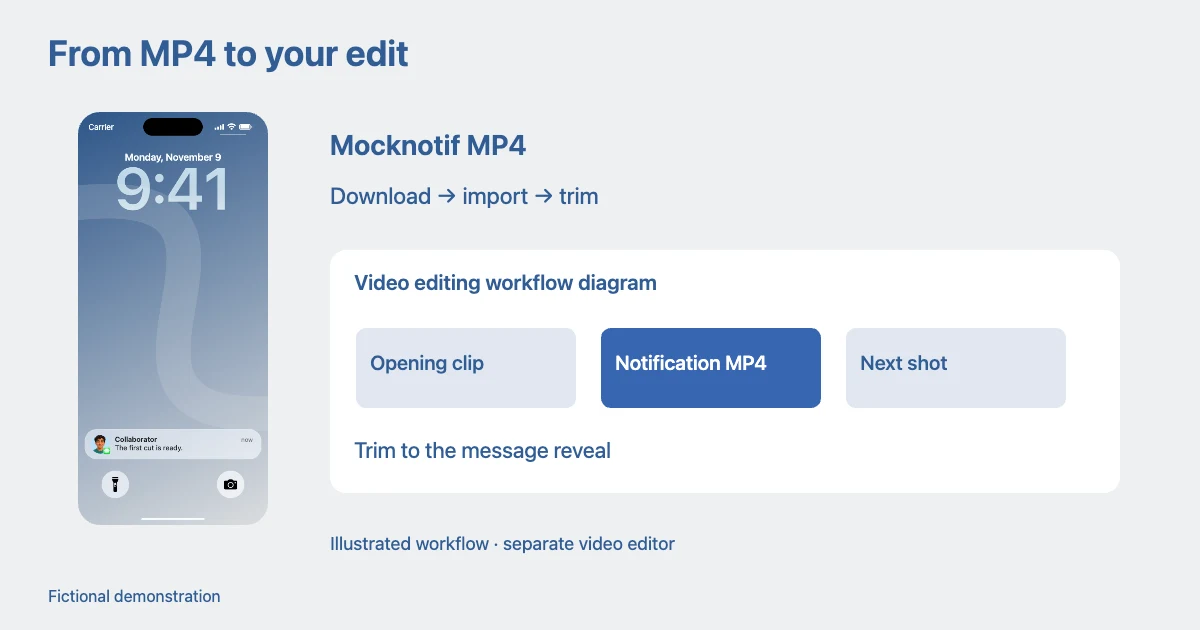
  • MP4 Export
2.50 / 8.00 s

Your notifications

1 notification
iMessage

Scene

Wallpaper & appearance
40%
Lock Screen
Video settings

Make an iMessage notification on iPhone

  1. Start with a story

    Load a fictional example, then select a notification to edit.

  2. Write the scene

    Edit names and messages, choose an app icon or contact photo, and set each arrival time.

  3. Preview and export

    Play the sequence. Save the current frame as PNG or export an MP4 in a supported browser.

iMessage notification FAQ

Can I add a contact photo?

Yes. Choose Contact photo and use a fictional avatar or upload your own image. You can also display the Messages app icon.

Can I change when each notification appears?

Set each arrival time, drag notifications to reorder them, and preview the sequence.

Can I export an image or an animated video?

Export a free watermark-free PNG or a free MP4 with a small Mocknotif watermark. A one-time $4.99 pass provides watermark-free MP4 exports for 7 days.

Is this an iMessage chat generator?

This editor creates incoming lock screen notifications. It does not create a full Messages conversation screen.

Does Mocknotif send real iMessages?

No. Mocknotif creates fictional images and videos in your browser and does not connect to Messages.
Related iMessage resources

Learn more

Other notification makers

Privacy

Notification edits and uploaded images are processed in your browser. Your draft is stored in this browser’s local storage on this device.

Clearing site data removes that draft. Downloaded images and videos are saved separately. When purchases are available, payment is handled by Stripe and your purchase email is used to deliver and restore access. Notification text and uploaded images are not needed to verify a purchase. Loading the site and its included artwork makes normal requests to the server hosting those files.

Using Mocknotif

Create fictional scenes, design mockups, tutorials and social content. Make the context clear when sharing a simulated notification.

App names, icons and Apple-related names belong to their respective owners. Mocknotif is an independent tool.

Load this example?

Your current story will be replaced. You can undo to restore your work.

Choose an app

Custom app

App icon

Start with an example

You can undo loading an example.

Credits

Wallpapers via Wallpapers Central and iDownloadBlog. iOS 26 Blue and iOS 18 Pink via iClarified iOS 26 and iClarified iOS 18. App artwork is sourced from the App Store.

Your video is ready

Download MP4

MOCKNOTIF EXPORT

Make it watermark-free.

Your video is ready. Give your story a clean, watermark-free finish.

ONE-TIME PAYMENT

$4.99 USD

7-day access

  • Watermark-free MP4 exports for 7 days
  • No subscription or auto-renewal

Pay once. Access ends automatically after 7 days.

Checking purchase availability…

Creating your video

Preparing frames…