
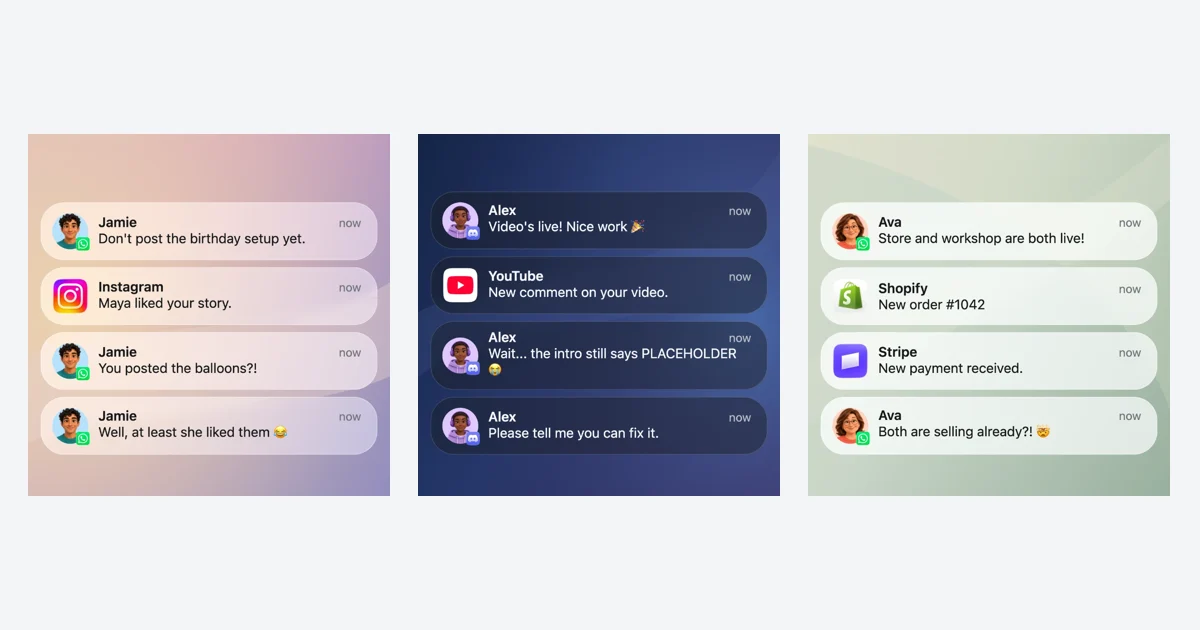
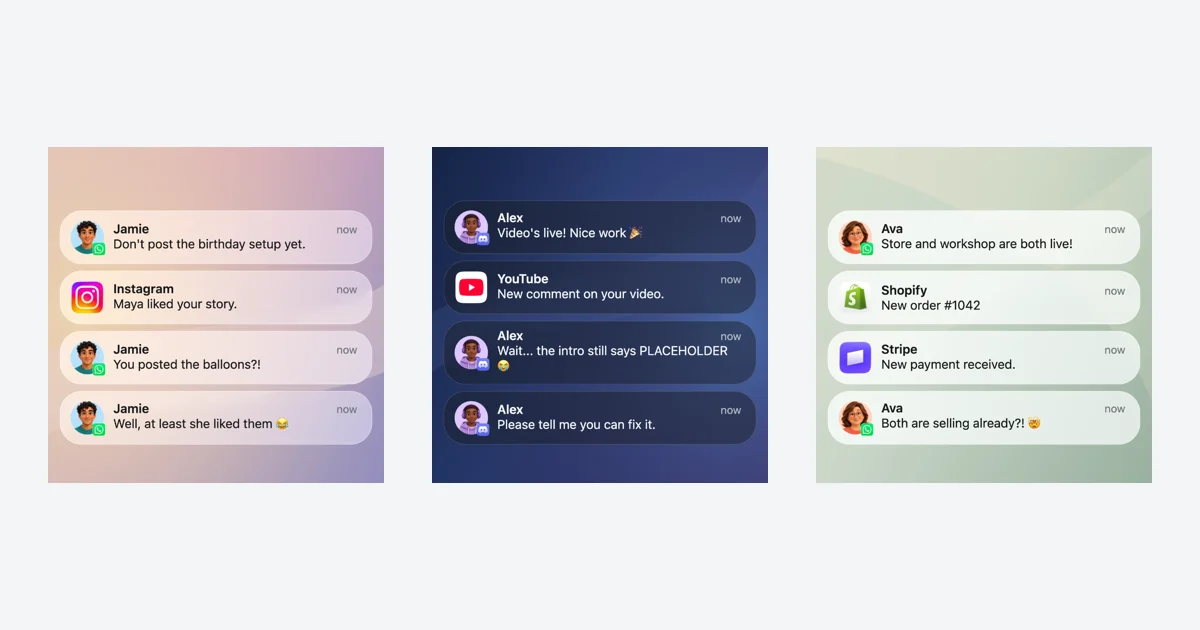
Start with a scene that already has a setup and a payoff. These three editable iPhone notification templates use fictional messages, real Mocknotif rendering, and timed arrivals. Change the names, contact photos, wallpaper, glass appearance and text to fit your own story.
The Surprise Spoiler
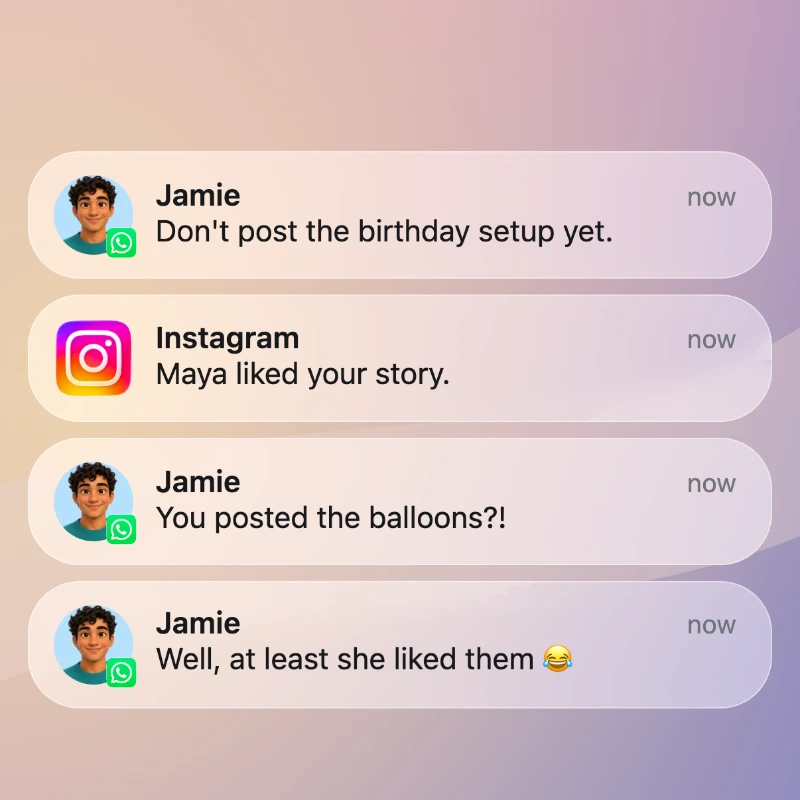
A friend asks you to keep the party setup secret. An Instagram like reveals that the surprise is already out. The final reply makes it a comedy scene. WhatsApp contact photos sit alongside an Instagram app icon on a warm wallpaper with light glass at 28%.
Keep the opening request short. Leave a beat after the Instagram alert so viewers can connect it to the next message. The existing four arrivals are 0.8, 2.8, 4.9 and 7.1 seconds, with a 9-second total duration.
The Upload Panic
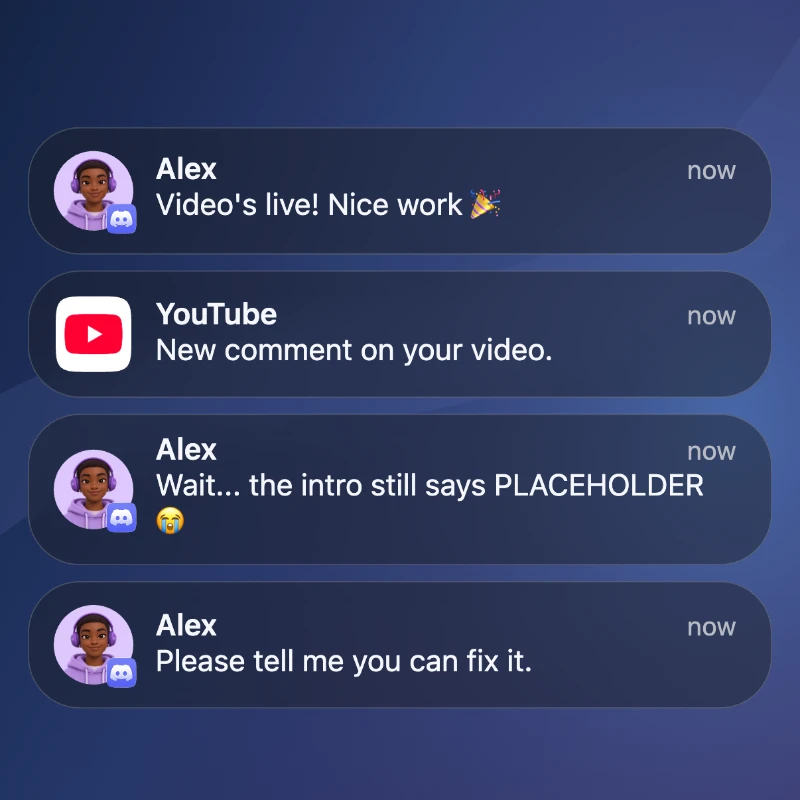
The video is live and everyone seems pleased. Then Alex notices the placeholder in the intro. Discord messages use Alex's fictional contact photo, while YouTube uses its app icon. Dark mode and 62% glass give the blue scene a different mood.
The second Discord message changes the meaning of the opening celebration. Give the longer warning enough time to read. This template uses arrivals at 0.8, 2.9, 4.8 and 6.7 seconds across 9 seconds.
The Launch-Day Rush
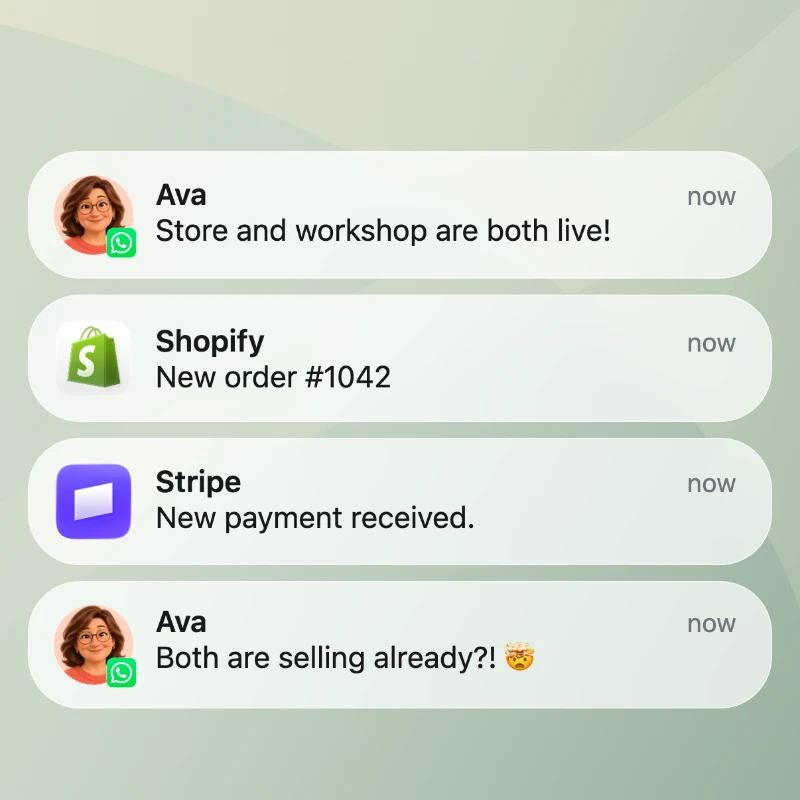
Ava announces that the store and workshop are live. A Shopify order and a separate Stripe workshop payment arrive before her surprised reply. The sage wallpaper uses Light mode and 78% glass. This fictional creator scenario can introduce a launch-day video.
Keep the two commercial alerts distinct. The order and workshop payment represent separate activities. Arrivals are 0.8, 2.6, 4.8 and 7.1 seconds, within a 9-second clip.
Make the template your own
Select a notification to edit its sender, message and optional subtitle. Choose Contact photo for personal messages or App icon for an activity alert. Replace the wallpaper and adjust Light or Dark appearance and Glass until the text reads clearly.
Drag the list to change the order, then set each arrival time. Preview at normal speed and leave about two seconds after the final message. A longer sentence may need more reading time. Loading a template asks before replacing an existing homepage draft, and Undo can restore your previous scene.
For a scene told entirely through Messages, open the iMessage notification maker. The iMessage notification video tutorial walks through writing a three-beat script.
Use the scene in your video
Export a still PNG for a storyboard or an animated MP4 for a video sequence. Follow the CapCut workflow to add your clip to a larger edit. For product storytelling, the UGC notification animation guide covers writing readable alerts around a demonstration.
Frequently asked questions
Can I edit these notification templates?
Yes. Each template loads editable notifications, contact photos, timing and visual settings in the Mocknotif editor.
Do these templates send real messages?
No. They create fictional lock-screen images and videos in your browser.
Are the downloads free?
PNG exports are free and watermark-free. Free MP4 exports include a small Mocknotif watermark. Optional watermark-free MP4 access costs $4.99 as a one-time payment for 7 days.