
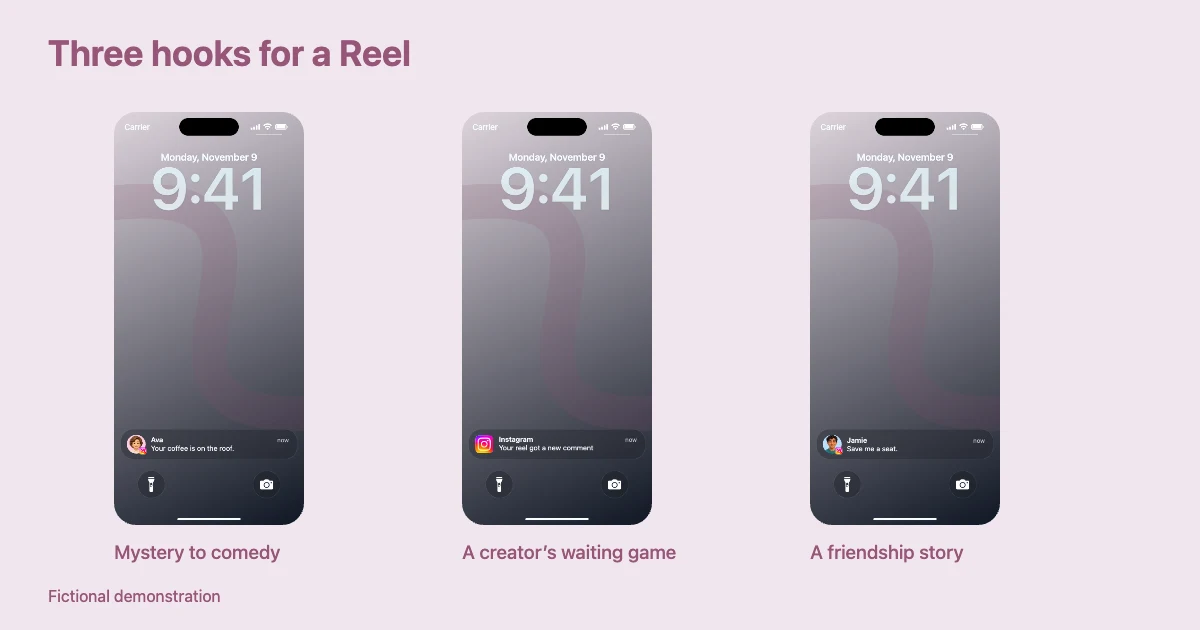
An Instagram notification video works when an alert creates a little story, not merely when a message appears. For Reels and TikTok, the viewer has only a moment to understand the setup. A familiar lock screen, a sudden notification, and a final twist can communicate a complete joke without filming another person.
Below are seven Instagram notification video ideas with fictional scripts and editing suggestions. They are creative prompts, not real messages or evidence of Instagram activity. You can build the lock-screen segments in Mocknotif's Instagram tool, then assemble them with reactions, captions, or sound in your usual editor.
Seven short notification story concepts
1. The mysterious DM
Setup: The phone looks ordinary. Message 1: “I know what you did.” Pause. Message 2: “You left your coffee on the roof of the car.” Use a contact-style notification and a fictional avatar. The second line changes suspense into comedy.
2. The creator who checks too often
Setup: A creator waits for engagement. Activity alert: “Someone liked your post.” Next alert: “Someone unliked your post.” The concept works best with app-style activity notifications and a long, awkward pause between them. These are invented story alerts; don't present them as actual Instagram system wording.
3. The surprisingly supportive friend
Message 1: “I watched your new reel.” Message 2: “All 37 takes were worth it.” A DM-style notification with a contact photo gives this scenario a human tone. Hold the second alert so viewers can read the punchline.
4. The brand collaboration mix-up
Setup: A creator opens a new project. Activity-style alert: “New collaboration update.” DM: “Quick question—was the launch supposed to be today?” Mix an app activity card and a contact message if the scene needs two kinds of alerts. Keep both clearly fictional; avoid invented endorsements from actual brands.
5. The group project finale
DM: “The presentation is ready.” DM: “Wait. Who added the dancing potato?” Two short notifications allow the joke to arrive on the second beat. A neutral wallpaper makes the text the center of attention.
6. The wrong account
Setup: An imaginary social media manager thinks the post is scheduled. Activity-style alert: “A new post was published.” DM: “Why is this on the office account?” The joke is about workflow, not fabricated proof that a real company made a mistake.
7. The optimistic comment section
Activity alert: “New comment on your reel.” Cut to reaction. Second alert: “Another comment.” Then show the character checking the screen with an exaggerated hopeful expression. The Instagram Reels notification effect becomes the visual cue for a recurring comedy beat rather than the entire story.
Turn one idea into a watchable 8-second sequence
Take concept #1. A simple timeline is enough:
| Time | Shot | What the viewer learns |
|---|---|---|
| 0.0–1.0 s | Quiet iPhone lock screen | Setup |
| 1.0 s | “I know what you did.” | Hook |
| 1.0–3.5 s | Hold, perhaps add a subtle zoom in the video editor | Suspense |
| 3.5 s | Coffee reveal appears | Payoff |
| 3.5–6.5 s | Hold both messages | Time to read and laugh |
| 6.5–8.0 s | Reaction or title card | Ending |
The values above are planning examples. The right durations depend on the length of your text and whether viewers are reading captions at the same time. A useful rule: never add the next alert before your slowest test viewer can finish the previous one.
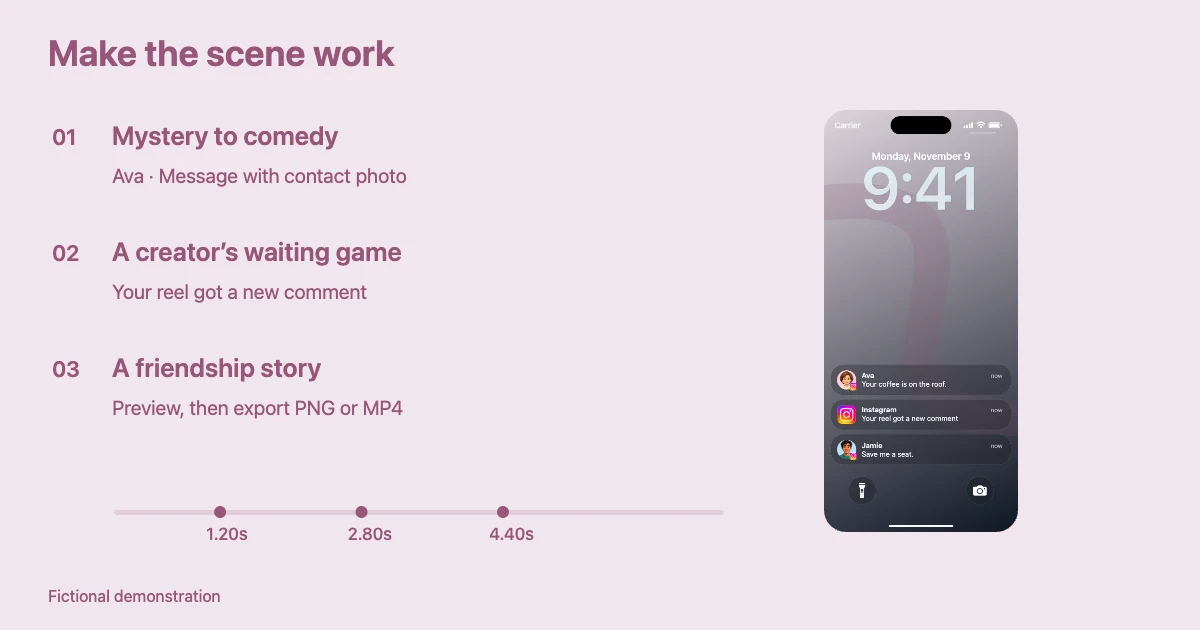
When planning Instagram notification story ideas, separate message notifications (with a fictional sender and optional avatar) from activity notifications (with app identity and an event). This visual difference makes the sequence easier to understand even when it moves quickly.
Make the video feel native to Reels or TikTok
A useful Instagram notification video is legible without the sound. Keep message previews brief and choose a wallpaper that supports contrast. Start the notification movement early enough that someone scrolling can understand the premise in the opening seconds.
Use a vertical video project for mobile viewing. If you are adding the phone clip to another edit, import the complete MP4 and fit it without cutting off the lock-screen header or message stack. For a picture-in-picture treatment, place the screen beside a reaction clip. A complete lock-screen MP4 should not be described as a transparent overlay.
Avoid using a genuine individual's name, profile photo, or brand to imply an interaction that never happened. Fictional stories are more durable and easier to reuse, and they do not depend on misleading viewers about real events.
For the mechanics of timing each alert, read how to create Instagram notification animations. If the story is part of a scripted film, see how to make a fictional Instagram DM notification for a short film.
Build a repeatable creative workflow
Choose three idea types that fit your audience: romance, creator humor, or gaming/community jokes. Write the text first, create the notification animation second, and edit the final video third. This prevents you from spending time adjusting visual details before the story works.
Save one neutral wallpaper, a consistent crop, and a readable type treatment for a series. Change the story, timing, and notification class rather than making every video from scratch. You can create still frames for thumbnails using PNG and animated sequences for the video using MP4.
A strong idea should remain understandable when the viewer sees only the phone screen. If it needs two paragraphs of explanation, simplify the notification instead of adding more on-screen text.
Frequently asked questions
Do Instagram notifications need to look exactly like the current app?
No. For a fictional story, familiarity and readability matter more than claiming pixel-perfect fidelity to every Instagram or iOS release. Don't label a simulation as an official Instagram screenshot.
Can I combine DMs and app activity notifications in one video?
Yes, if your editing workflow supports multiple notification types. Use a contact avatar for the fictional DM and the Instagram app icon for general activity, then review the combined preview.
How many notifications should a short video contain?
Start with two or three. Add more only if each one advances the story; extra cards can make a small phone screen crowded.